
Disband Nation
On this page
Follow these steps to remove your nation:
Before performing this action, ensure you hold the leader role; once you do, access your government menu via the main nation menu.
In the "Government" menu, hover your cursor over the "Nation Settings" button and click it.
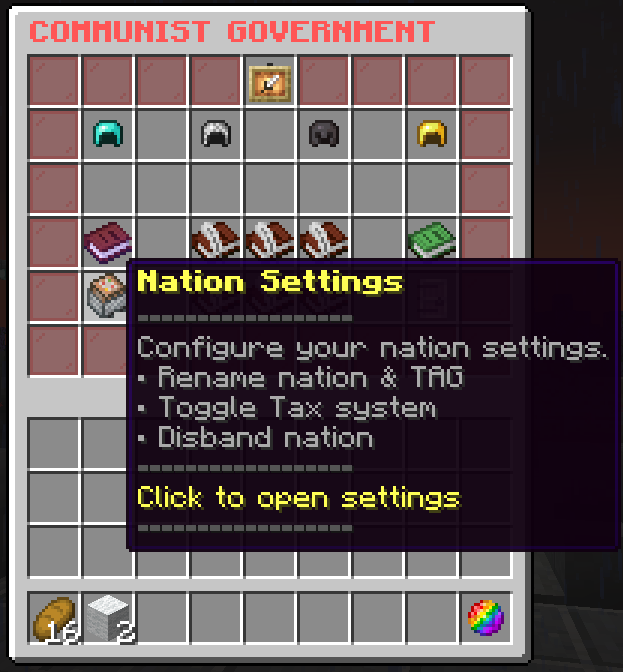
After that, press the "Disband Nation" button to start the deletion process; upon pressing this button, you will be directed to a confirmation menu once more.
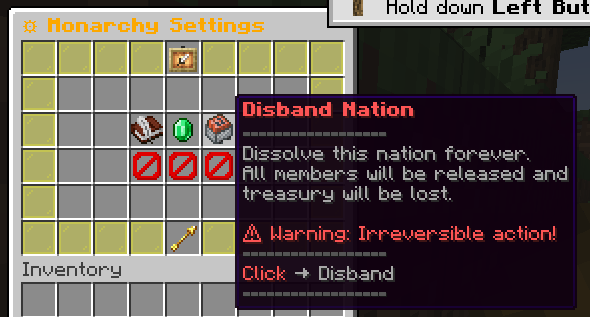
This action will delete all data including members, research, treasury, etc.