
Rename Nation
On this page
Follow these steps to rename your nation:
Before performing this action, ensure you hold the leader role; once you do, access your government menu via the main nation menu.
In the "Government" menu, hover your cursor over the "Nation Settings" button and click it.
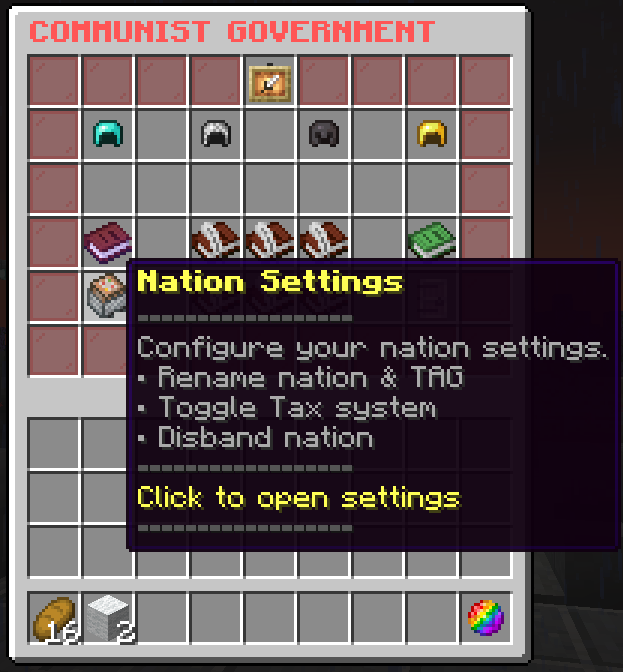
Each nation has two different types of name data: a three-letter tag representing your nation, and a full name containing your nation's primary name (used as an identifier).
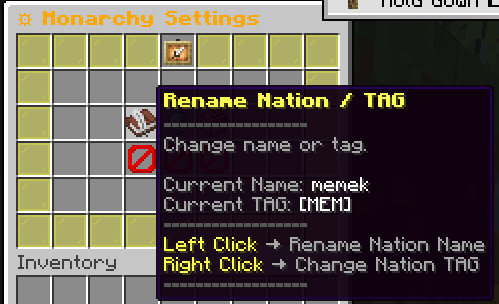
Left-click to rename the nation, and Right-click to change the nation tag.