Border
On this page
When claiming a territory in an unclaimed area, the system will claim entire chunk at the point where the nation’s founder stands
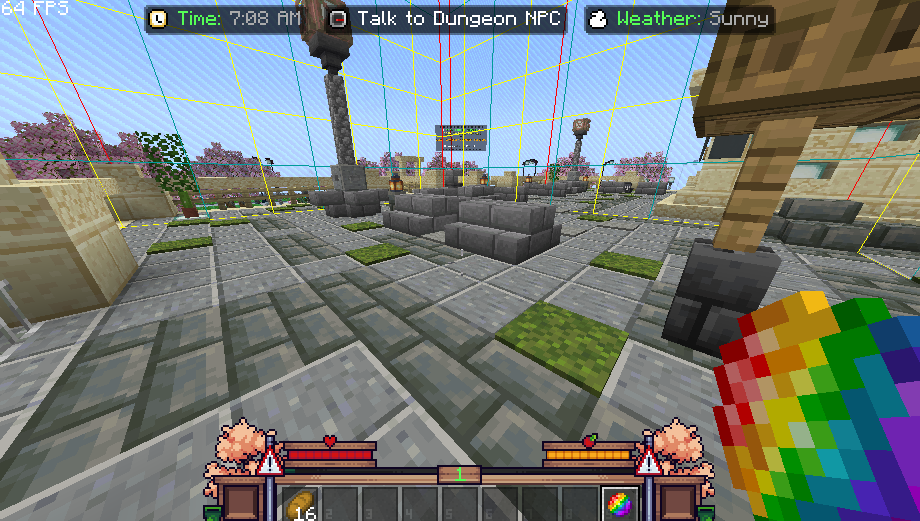 .
Note: Before you claim a territory, make sure to check the chunk you're standing on by enabling this feature (“F3+G”), which will display the boundaries of the chunk.
As a nation founder, you have the ability to manage your nation’s borders as you see fit through the “Border Management” menu, located under the “Government Menu.” Here are a few options that can help you manage the regions in that menu:
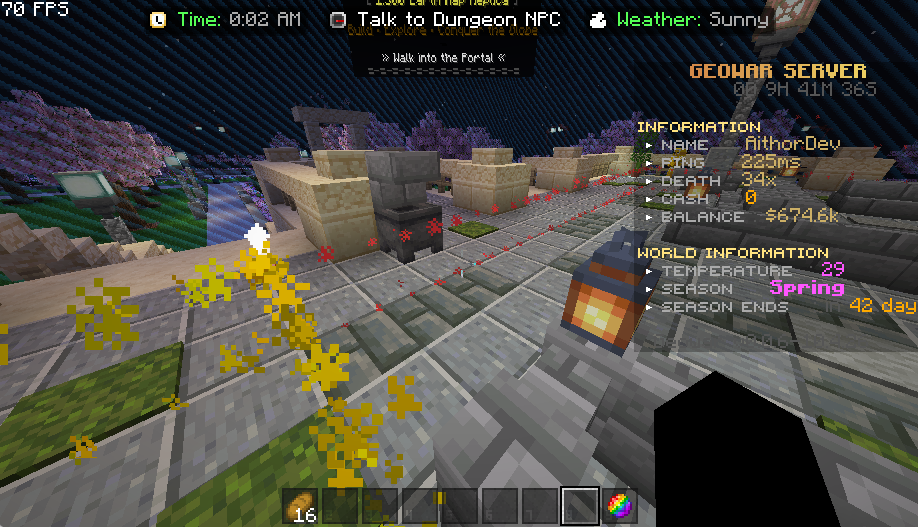
This feature is designed to visualize national borders using custom particles that will appear in your Minecraft world. See the image below!
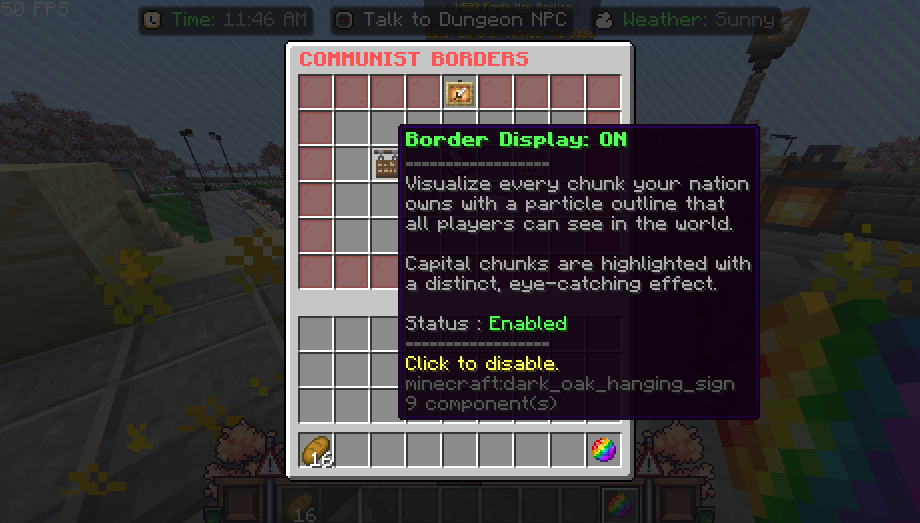
To disable this feature, simply tap the “Border Display” toggle button again in the management menu.
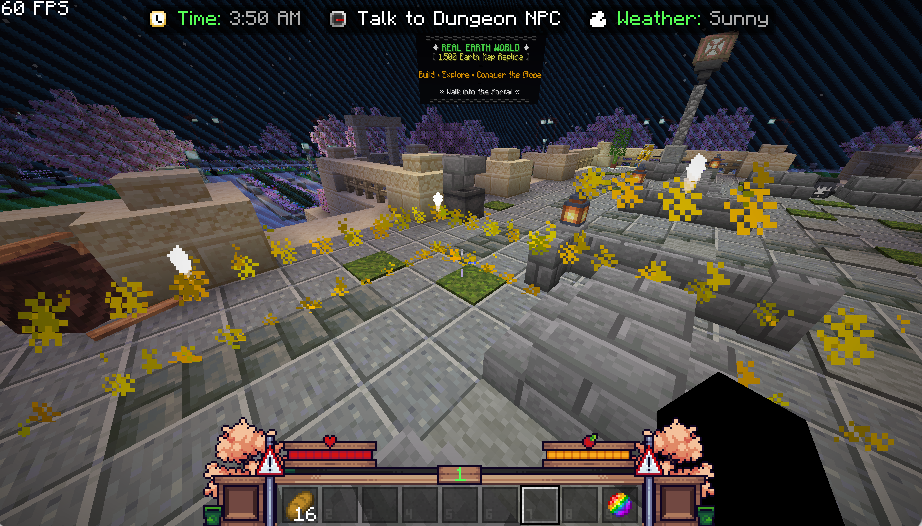
Always drawn as a full square, with a brighter and larger particle plus rising sparkles — so the seat of government stands out even when surrounded by owned land.
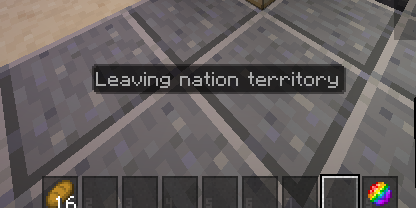
When entering or exiting a registered nation territory, the system will display a message in the Action Bar to remind players whether they are currently inside or outside a nation territory.
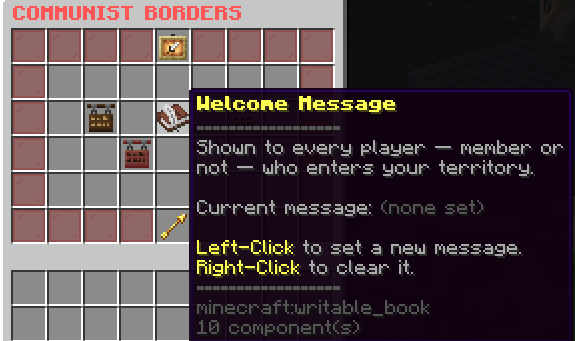
To change or customize the welcome message that appears when players enter the nation area, you can go to the “Border Management” menu and edit it using the button below.